A new hire signs the offer letter. For a moment, everyone feels great. Then… things go quiet. The employee waits for the first real step. HR goes through all those bits of emails and half-written instructions. The gap grows, and before you know it, it is the thing that decides how long they stay. But with digital onboarding, you can close that gap the second a hire says yes.
That is exactly what we are going to sort out together. You will get a 12-step digital onboarding checklist that maps every step so clearly that even the smallest task has a place.
What Is Digital Onboarding?
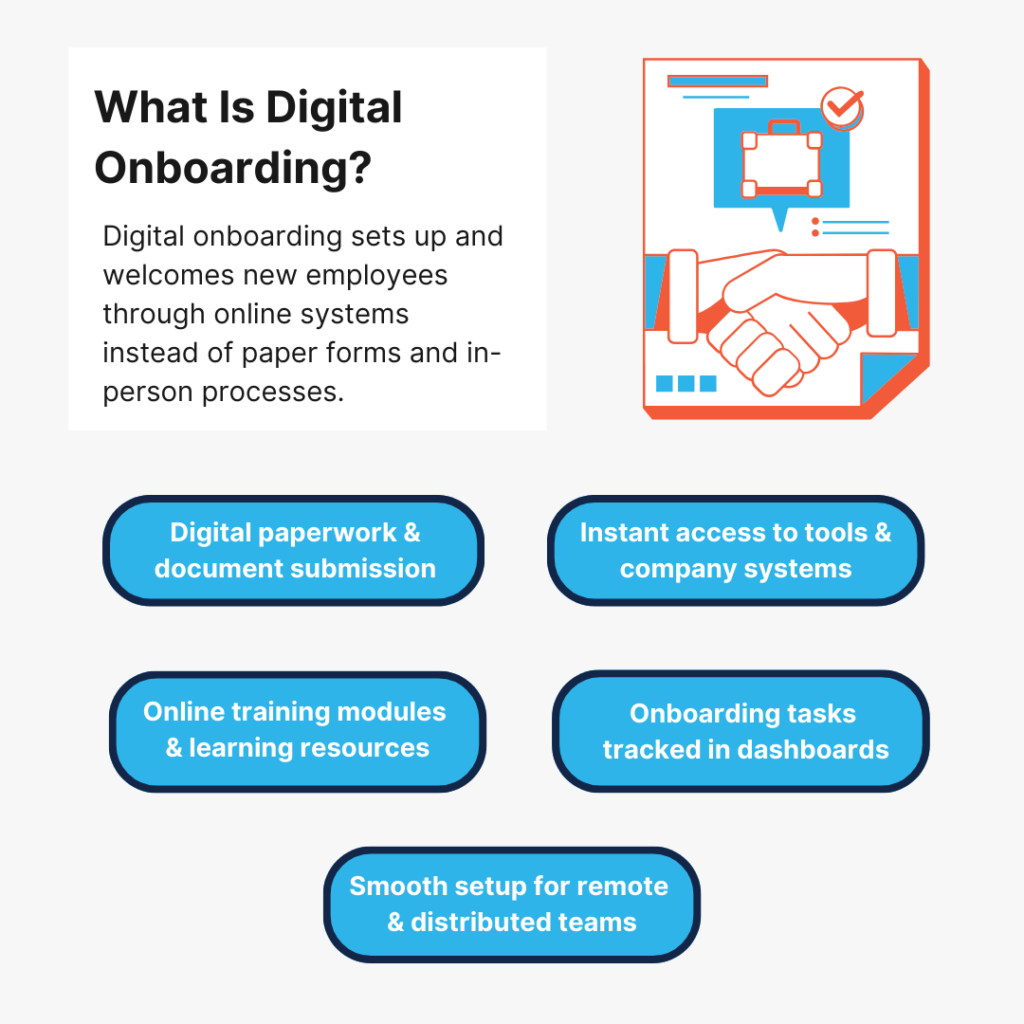
Digital onboarding is the process of welcoming and setting up a new employee using online tools instead of manual paperwork and in-person steps.
The entire onboarding process is handled via digital systems. The new hire receives documents, instructions, training materials, and access to tools through online platforms. It also works well for remote teams, flexible arrangements, and distributed companies because employees can complete the entire onboarding process from anywhere.
Why Digital Employee Onboarding Matters: 5 Key Benefits For Companies
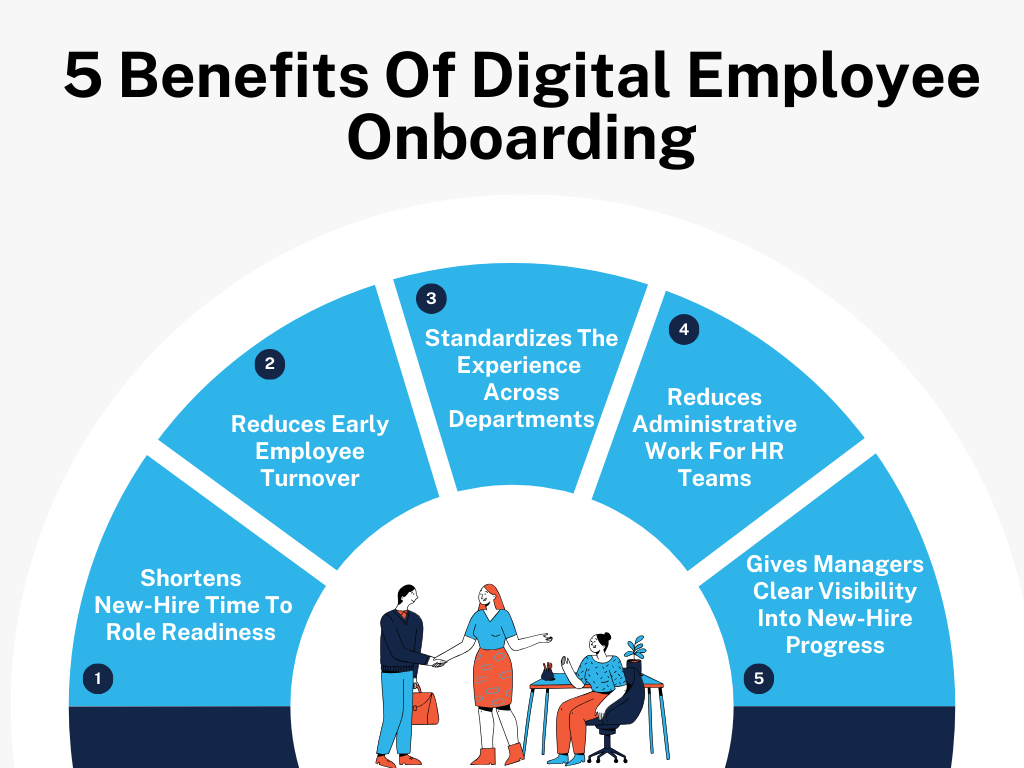
Here are 5 benefits of digital onboarding that show exactly where things start working better and how companies quietly build a competitive advantage through better employee experiences.
1. Shortens New-Hire Time To Role Readiness
When someone joins a company, they want to start contributing quickly. The problem is, the path to “being useful” isn’t always obvious.
Where are the training resources?
Who approves access to advanced technologies?
What exactly should be learned first?
Without structure, new hires spend their first couple of weeks looking for answers from different people.
Digital onboarding removes that scavenger hunt to save time and give you more control. The new employee follows a clear sequence – getting system access, reviewing role-specific materials, completing initial learning, understanding how their work helps achieve goals.
So they move toward the role with purpose. And that alone leads to serious time savings as it shaves weeks off the time it takes to settle into a job.
2. Reduces Early Employee Turnover
A recent study shows that 70% of new employees decide whether they see a future at a company within the first month. Not because they fully understand the job yet. But because of how those early days feel.
If everything seems disorganized or if nobody seems sure who is responsible for guiding them, new hires start wondering what the rest of the company is like.
Digital onboarding quietly fixes many of those signals. When the experience is structured and expectations are visible, the employee gets a very different impression. The company feels prepared. Thoughtful. Invested. And that sense of stability and enhanced convenience makes a big difference during the fragile early stage of employment.
3. Standardizes The Onboarding Experience Across Departments
In many organizations, onboarding quality depends almost entirely on which team someone joins. The compliance team might have a carefully planned process. The customer experience team might rely on quick meetings and shared folders. Marketing might simply expect new hires to “figure things out.”
Unlike traditional onboarding, digital onboarding brings those wildly different approaches onto the same baseline. It reduces errors and creates a frictionless onboarding experience for every employee – company values, policies, internal tools, organizational structure.
Departments can still add their own training afterward, but the foundation stays the same. And that ensures every new hire starts with the same understanding of how the organization operates.
4. Reduces Administrative Work For HR Teams
HR teams carry the invisible weight of onboarding.
Tracking signatures.
Sending reminder emails.
Tracking who submitted which document.
Answering the same basic questions again and again.
Individually, each task looks small. But together, they waste hours.
Digital onboarding shifts much of that routine work into the system itself. Identification document verification is completed online. Required steps trigger automatic reminders. Progress updates appear without HR having to check manually.
And when HR is free from these administrative tasks, they have more space to actually engage with employees and help new hires.
5. Gives Managers Clear Visibility Into New-Hire Progress
Managers want new employees to succeed. But in the early days, they don’t know exactly where the employee stands.
Has the new hire completed their training?
Do they understand the internal tools yet?
Are they stuck somewhere in the process?
Without visibility, managers are mostly assuming. Digital onboarding gives managers a clear view of how things are going. They can step in at the right moment rather than finding out weeks later that something important was missed.
This makes early conversations far more useful. And when managers are connected to the onboarding process, new employees feel far less alone when settling in.
How To Run A Reliable Digital Onboarding Process: The Complete 12-Step Checklist
Hiring someone is one moment. Turning that person into a productive team member takes structure. Here’s a complete checklist to make digital onboarding work towards providing that structure.
Phase 1: Set Up New Hires Before Day One
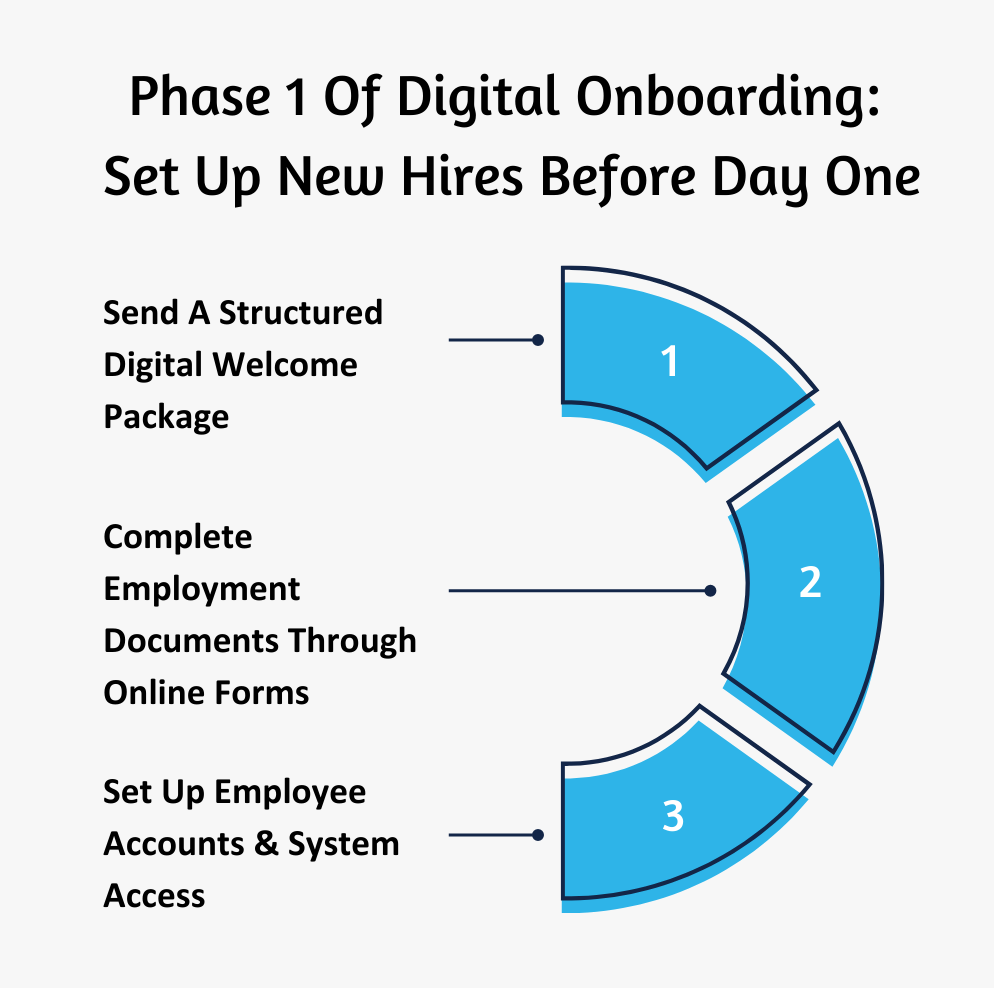
1. Send A Structured Digital Welcome Package
When someone accepts your offer, there is usually a quiet period before their first day. This is the perfect window to give them context about the company.
A structured welcome package does two things: First, it removes the uncertainty people naturally feel before starting a new role. Second, it shows that the company is serious about the employee experience.
What To Do:
- Build a single “start here” page where every welcome resource is saved – company overview, intro videos, guides, documents for the identity verification stage, onboarding instructions.
- Include a short message from the hiring manager explaining why the team is excited about the hire.
- Share a rough outline of the employee’s first few days, even if it is just orientation sessions and initial meetings.
- Add a pre-start checklist for the employee – confirming personal details and phone numbers, choosing equipment preferences, reviewing internal guides.
2. Complete Employment Documents Through Online Forms
Paperwork has to happen. But it doesn’t need to eat up someone’s entire first day. Unlike paper forms, digital forms allow employees to finish the legal and administrative parts of employment before work actually begins.
When the first day arrives, the focus can stay on people and learning instead of electronic signatures and PDFs. Plus, it helps reduce risks like identity theft by keeping sensitive information inside encrypted platforms instead of email attachments.
What To Do:
- Use a secure digital system where employees can submit identity documents and electronically sign policies + relevant data & regulatory compliance forms.
- Organize documents into separate categories – legal, payroll, policies, customer data.
- Let employees save progress and return later. This prevents frustration if they need to gather information.
- Send an automatic confirmation once all forms are complete so the employee knows nothing else is pending.
3. Set Up Employee Accounts & System Access
Nothing kills first-day momentum faster than hearing, “IT is still working on your access.” If someone joins your company, their digital workspace should already exist. Email, internal tools, project systems – everything should be ready before the employee even logs in.
What To Do:
- Create a standard access bundle for each role so that common tools are automatically created when a new employee is added to the system.
- Send login details the evening before the first day. This lets the employee test access in advance.
- Send a new user account creation and first-login instruction guide. Explain how to access systems and set up multi-factor authentication or facial recognition.
- Create a dedicated IT help channel or support contact so new account holders can resolve issues quickly.
Phase 2: First-Day Digital Orientation
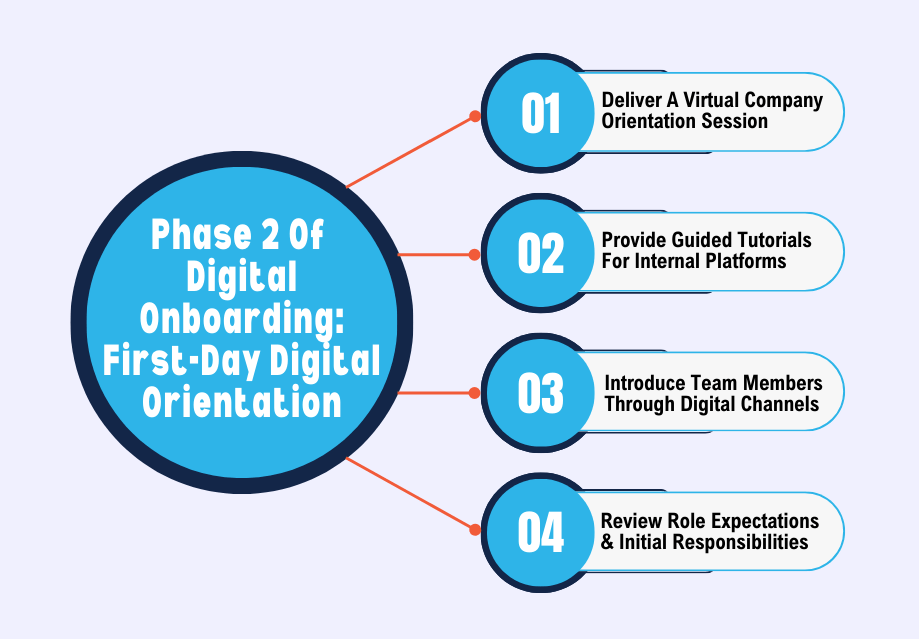
4. Deliver A Virtual Company Orientation Session
Orientation gives employees the big picture. Without it, people spend weeks piecing together how the company works. A virtual orientation session solves that by connecting the dots early.
What To Do:
- Start with the story behind the company – how it started, what services it provides, what problem it solves, how it focuses on customer acquisition.
- Explain how decisions are made in the company. This impacts the way employees approach their work.
- Highlight a few recent company milestones or achievements.
- Let new hires ask questions about things they are still curious about.
5. Provide Guided Tutorials For Internal Platforms
Every company has its own stack of tools. Project platforms. Communication apps. Documentation systems. Reporting dashboards. Expecting employees to figure them out alone wastes time. Guided tutorials speed up familiarity.
What To Do:
- Record walkthrough videos for real workflows inside each platform.
- Provide sandbox environments or practice projects where new hires can experiment.
- Focus on 3-4 daily actions employees will perform repeatedly.
- Store all tutorials in a training library that employees can revisit anytime.
6. Introduce Team Members Through Digital Channels
Joining a team remotely can feel strangely anonymous. Without introductions, employees might spend weeks interacting with people whose roles they barely understand. Structured introductions make collaboration easier much sooner.
What To Do:
- Share a short team introduction thread. Let everyone briefly explains their role.
- Provide a team map that shows who handles which responsibilities.
- Schedule a few short introductory calls with people the employee will usually work with.
- Ask teammates how they prefer to communicate – in-person interactions, chat, calls, scheduled meetings.
7. Review Role Expectations & Initial Responsibilities
Most companies assume that job descriptions are enough. They are not. New employees need to be clear about what actually matters in their role right now. And that conversation needs to happen early. Otherwise, employees might work hard but on the wrong priorities.
What To Do:
- Break the role into specific goals for the first 30 days.
- Show real examples of tasks or projects they will soon handle.
- Explain what good work actually means in practice – not abstract expectations.
- Clarify who the employee should go to for different decisions or approvals.
Phase 3: First-Month Integration
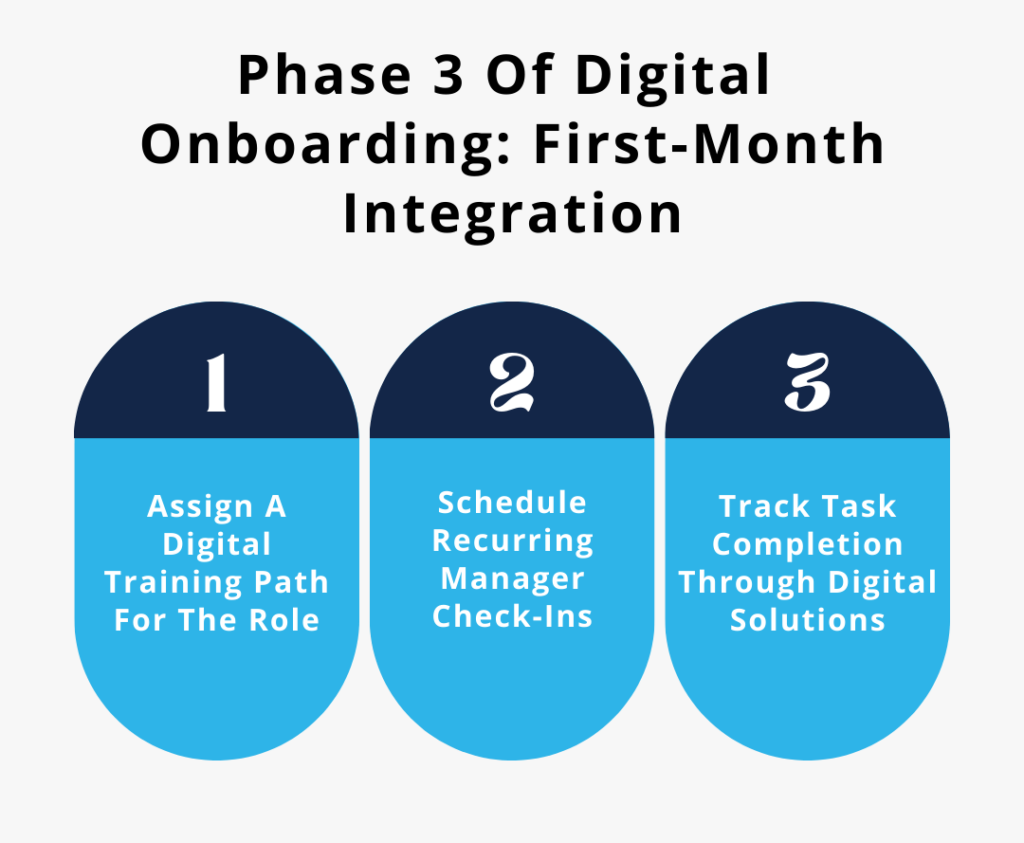
8. Assign A Digital Training Path For The Role
Training works a lot better when it follows a clear order. A digital training path walks employees through the right knowledge one step at a time. This keeps everything easy to absorb.
What To Do:
- Divide training into small weekly learning goals rather than a long list of material.
- Include real examples from past projects. Let employees see how knowledge is used in actual work.
- Pair learning material with small practical assignments.
- Track training progress so both the employee and manager know which topics have already been covered.
9. Schedule Recurring Manager Check-Ins Leveraging Digital Tools
Managers shouldn’t disappear after the first day. New hires always have questions they didn’t think about during orientation. And regular one-on-ones create space for those conversations. Without them, employees may struggle quietly.
What To Do:
- Hold regular weekly meetings during the first month.
- Ask employees to add discussion points in a shared agenda document.
- Do a manual review of what the employee attempted during the week – not just what they completed.
- End each conversation with one or two clear priorities for the next week.
10. Track Task Completion Through Digital Onboarding Solutions
Onboarding involves dozens of small actions – training modules, meetings, documentation, setup tasks. And all these things can easily get missed. A digital tracking system lets everyone see what is finished and what is still open.
Some even use artificial intelligence to flag delays or recommend the next training step automatically. In fact, companies that use AI during employee onboarding report that their new hires are about 30% less likely to quit within the first year.
What To Do:
- Create a visible onboarding checklist that shows progress step by step.
- Assign each task to a specific person. Don’t leave them ambiguous.
- Set reminders for unfinished tasks so they can address the delays early.
- Generate progress summaries that managers can review quickly without going through systems.
Phase 4: Monitor Early Progress & Integrate Employees
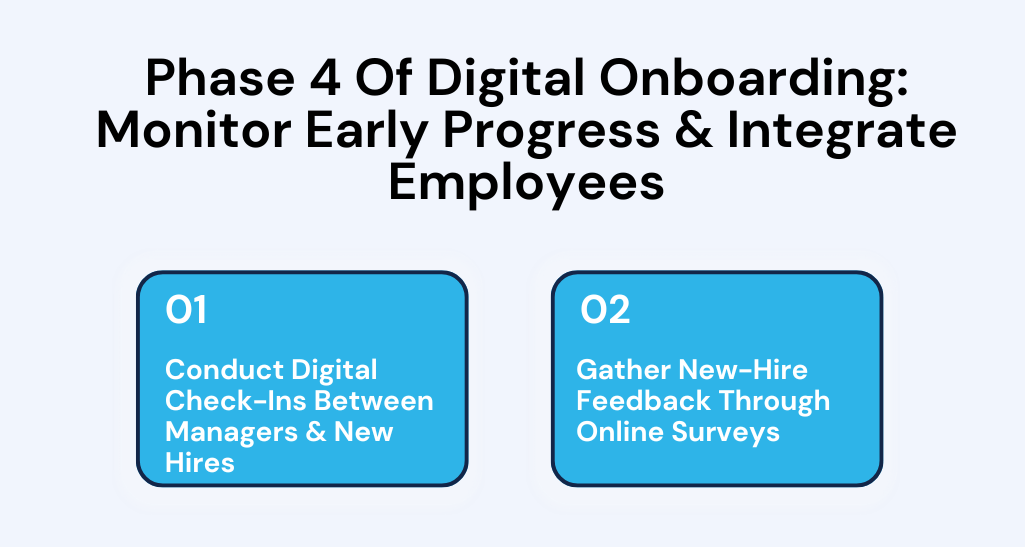
11. Conduct Digital Check-Ins Between Managers & New Hires
Even after the first month, onboarding isn’t really over. Employees are still adjusting. So managers should step back and evaluate how the employee is adjusting overall. This makes a big difference here. Recent research shows that organizations that create structured support programs see retention rates improve by about 20%.
What To Do:
- Schedule milestone conversations around 30 and 60 days after the start date.
- Ask employees which parts of the job now feel natural and which still feel unclear.
- Discuss any obstacles slowing their progress.
- Identify opportunities where the employee can take on more responsibility.
12. Gather New-Hire Feedback Through Online Surveys
The final step is learning from the process itself. Every new employee sees onboarding with fresh eyes. They notice things long-time employees overlook. Collecting that feedback helps improve remote onboarding for future hires.
What To Do:
- Send a short survey once the employee has completed their first month.
- Ask specific questions – clarity of instructions, training usefulness, communication quality.
- Include an open question inviting employees to suggest improvements.
- Review survey results quarterly. Identify recurring issues that need process improvements.
3 Digital Onboarding Examples That Set The Benchmark
Here are 3 companies that have perfected digital onboarding and run it with impressive consistency across their growing user base of employees and teams.
1. How CodaPet Prepares Remote Veterinary Care Coordinators Before Their First Client Call
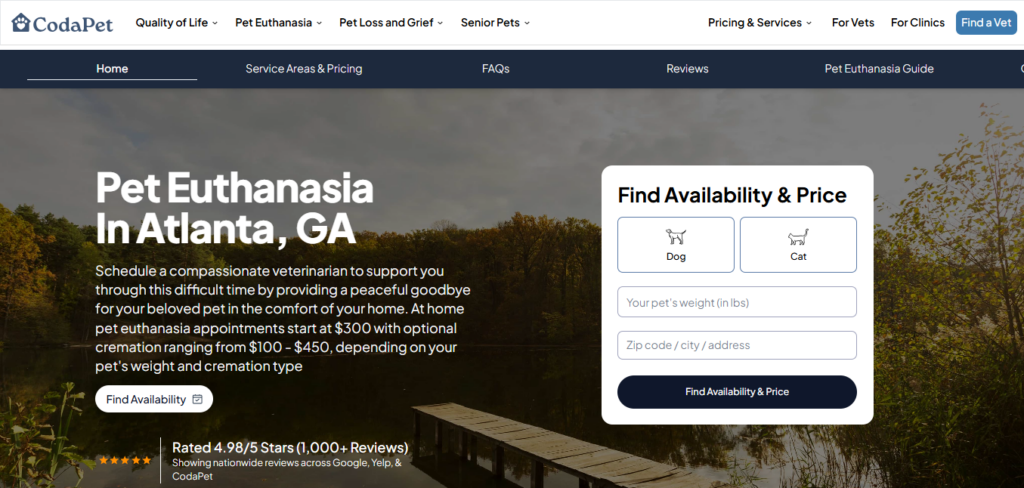
CodaPet at-home pet euthanasia hires veterinary professionals across many U.S. cities. Their digital onboarding focuses on preparing new coordinators to manage sensitive conversations with pet owners.
Every new hire enters a two-week digital onboarding portal built inside their internal HR system. The portal opens immediately after the offer letter is signed.
First, the employee completes a structured case walkthrough module. It presents real appointment scenarios from different cities. The system shows the original client request, veterinarian availability, travel radius limits, and scheduling constraints. The new hire must build the appointment schedule exactly the way experienced coordinators handle it.
Next, the platform provides recorded call transcripts and audio clips from past client conversations. The onboarding tool pauses the audio and asks the employee to choose the correct response from several options. The system then reveals the exact phrasing that senior coordinators use during emotional calls.
After this, new hires enter the city operations dashboard simulator. This environment mirrors the real scheduling software. They practice adjusting appointment slots by assigning veterinarians and confirming travel distances.
During the final step, they have a live digital assessment session. The new hire joins a video call with an onboarding manager who shares a mock request from a pet owner. The employee must schedule the visit inside the dashboard while explaining their decisions in real time.
By the time the employee handles their first real request, they have already practiced the exact workflow multiple times inside the digital system.
2. How Custom Sock Lab Digitally Trains Production Staff On Design-To-Manufacturing Workflows
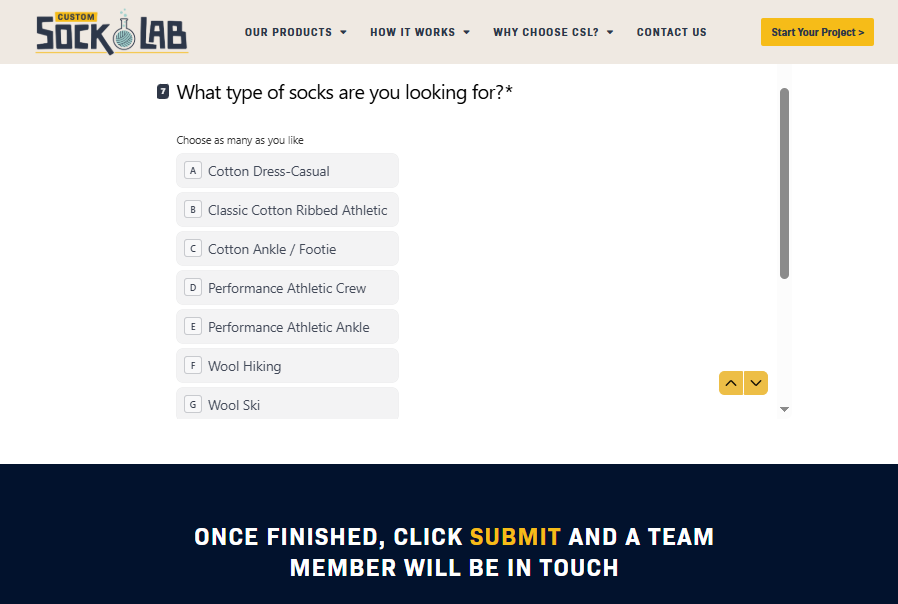
The team behind Custom Sock Lab’s casual socks built a digital onboarding process that prepares new production and operations staff to move a customer design through manufacturing without errors.
Every employee receives access to a production training portal before entering the factory floor. The onboarding system focuses on how orders travel from the design file to the knitting machines.
The first module teaches design file validation. The employee uploads sample artwork files into a training dashboard. The system highlights issues such as incorrect stitch density or color thread limitations. The employee corrects the file before moving to the next stage.
Next, the onboarding system presents digital knitting machine simulations. These simulations display the actual interface used on production machines. The employee adjusts tension settings, yarn selection, and stitch counts based on each order specification.
After this stage, the training portal introduces order batching logic. Custom Sock Lab groups orders by yarn color and machine configuration. The onboarding platform presents multiple orders and asks the employee to create the most efficient production sequence.
The final module covers quality control checkpoints. The employee reviews high-resolution photos of completed socks and identifies issues such as misaligned logos or incorrect heel placement. The system records accuracy scores for each inspection round.
Because of this, they already understand how digital design files move through every manufacturing step, even before they enter the real production environment.
3. How Sewing Parts Online Onboards eCommerce Support Specialists Using Product Knowledge Simulations
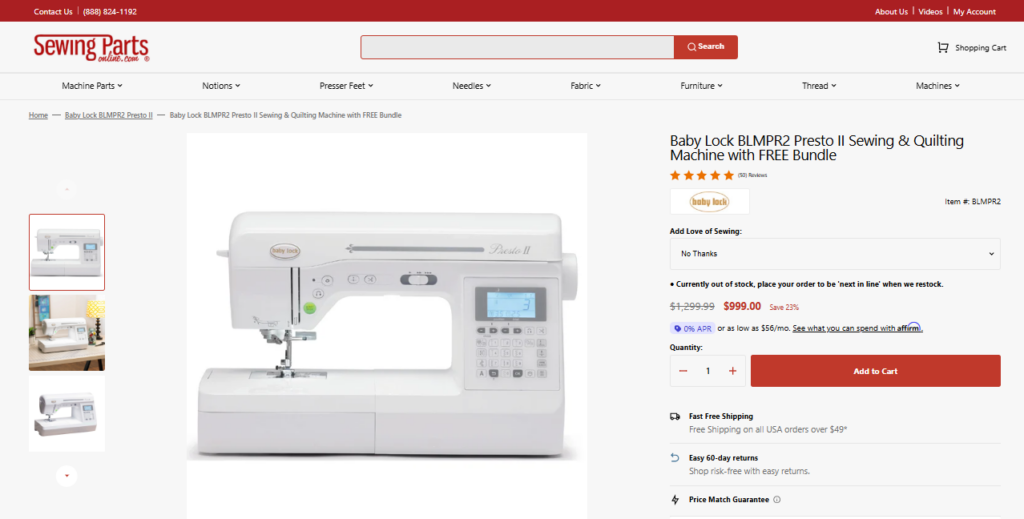
The digital onboarding at Sewing Parts Online prepares customer support specialists to solve complex product questions.
New hires start with a product catalog exploration platform built from the store’s full inventory database. The system shows detailed pages for machines such as the Brother SE2000 sewing and embroidery model. Each page contains compatibility notes and troubleshooting scenarios.
The first onboarding task focuses on machine component recognition. The platform shows labeled diagrams of sewing machines. The employee clicks on parts such as bobbin assemblies or needle clamps and explains their purpose in short written responses.
Next, the system presents customer email simulations. These emails come from real support tickets. One example asks why an embroidery design fails to align with the hoop frame. The employee must review the product manual stored in the knowledge base and draft the correct response.
The onboarding portal then shifts to parts compatibility searches. The employee receives a machine model number and must locate the exact replacement component in the product database. The system records search speed and accuracy.
The final stage includes live chat practice inside a sandbox environment. A trainer plays the role of a customer who asks detailed questions about thread tension or embroidery settings. The new hire answers inside the same chat interface used for real customers.
After completing the program, support specialists already know how to identify machine parts and respond confidently to technical sewing questions.
Conclusion
A checklist only works when people actually use it. That is the real verdict here. You can hire great talent and still lose people early if the first few weeks run on improvisation. And digital onboarding beats that improvisation every time.
So build this digital transformation process with intention. Cover every small step. Make the start of the job organized and deliberate. Only then do the employees start being a part of the company almost immediately.
We designed StaffedUp to make the hiring side just as organized as your onboarding. Instead of managing applications from different job boards and referrals, everything flows into one dashboard where you can review candidates, message them, and move them through interviews without the usual back-and-forth.
Our system also helps you reach far more applicants by distributing your job postings to major job boards like Indeed and Google Jobs automatically. You can add pre-qualifying questions that automatically highlight the people who meet your criteria, while automated messages and interview reminders keep candidates engaged and actually showing up to interviews. Get started now and see how simple hiring can be in this digital age.